Overview
Every LegionEdge organization runs its own identity and access management: members, roles, policies, single sign-on, service accounts, keys and the audit log. Our platform team needs the same screens for the LegionEdge root tenant, and for a customer organization when we’re helping run it. We built those screens once.
packages/iam-console has more than fifty feature modules, from Members and Roles to SCIM, the audit log and LegionEdge support access. One router mounts them in two apps. This post explains how one codebase serves three audiences without showing any of them more than they should see.
A scope is a reference, not a permission
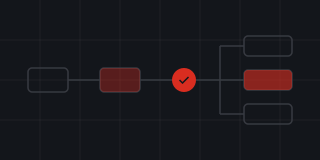
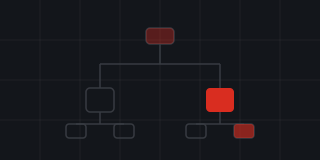
Each console mounts the same router on a catch-all route and hands it a scope reference. org:<alias> is an organization’s own console in the IAM app, at cloud.legionedge.ai/iam/<alias>. root is the LegionEdge platform tenant, managed from the admin console at /admin/iam. tenant:<id> is any organization as a platform administrator manages it, at /admin/organizations/<id>/iam. Every form a page renders carries its scope reference in a hidden field.
Whatever the scope, every call leaves with the signed-in person’s own credential, so Better IAM authorizes and audits it as that person. Editing the reference in a form can point a page at a different tenant, but it can never grant access to one. On top of that, root and tenant scopes require a platform administrator’s session. An org scope requires a session in that organization: an unknown alias returns a 404, and someone signed in elsewhere is sent to sign in.
Modules declare where they live
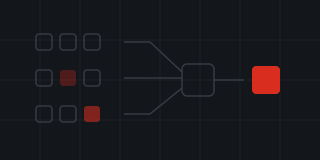
Every feature module exports its routes and its sidebar entries, and a generator collects them into registries. Adding a page to the console means adding a folder; nobody edits a central list. Each route declares three things. requires names the action it needs, such as iam:identities:read. advanced says whether it sits behind the per-person Show advanced toggle. only says where it exists: Plan & limits and LegionEdge support appear only for organizations, platform pages only in the root scope, and self-service pages never in the tenant scope, where the administrator isn’t a member.
The sidebar groups those entries into eight sections: Home, Directory, Access, Sign-in & security, Governance, Keys & secrets, Developers and Organization. The router doesn’t refuse a page because of its requires value. Better IAM authorizes every call the page makes, and the page shows any refusal in place.
One vocabulary for refusals
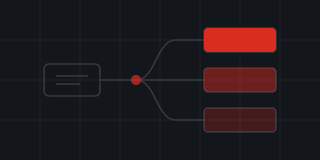
Better IAM raises a large set of string error codes. The platform contract has a closed list of thirty-one, and every surface reasons in those. The console maps every Better IAM code onto a contract code and has plain-language copy for each one, plus sharper copy for the Better IAM codes whose contract code alone would mislead.
Step-up works the same way everywhere. RECENT_AUTH_REQUIRED and MFA_REQUIRED become a “Confirm it’s you” prompt that links to the right console’s re-authentication page and back again: /iam/reauth for an organization’s console and /admin/reauth for the platform scopes.
Why it matters
The console is a view over Better IAM’s own API, called with your own credential. That means access is decided in one place and recorded in one audit chain, the same way for your organization and for ours.
The same applies to us. LegionEdge staff can act inside your organization only through its LegionEdge support role. Your administrators set its level (Off, Read-only or Troubleshoot) from the IAM dashboard, can see live support sessions and end them, and can read what support did. Read more about Identity & Access.